/
Solutions
/
Run & Transform
/
Business Central

打造企业所需的定制应用
‍
打破传统开发周期限制

许多团队业务流程仍依赖电子邮件、纸质单据或 Excel 电子表格,因为核心系统无法覆盖这些特定需求。Power Apps 能针对此类场景构建支持移动端的定制应用,数天内即可完成部署。
了解企业如何利用 Power Apps 赋能业务。
了解更多 >
Power Apps 的核心价值呈现

Power Apps 在核心系统未覆盖的业务盲区能发挥最大价值:即那些过于特定而无法套用标准 ERP、但又极其重要不宜仅依靠电子表格或电子邮件处理的业务流程。
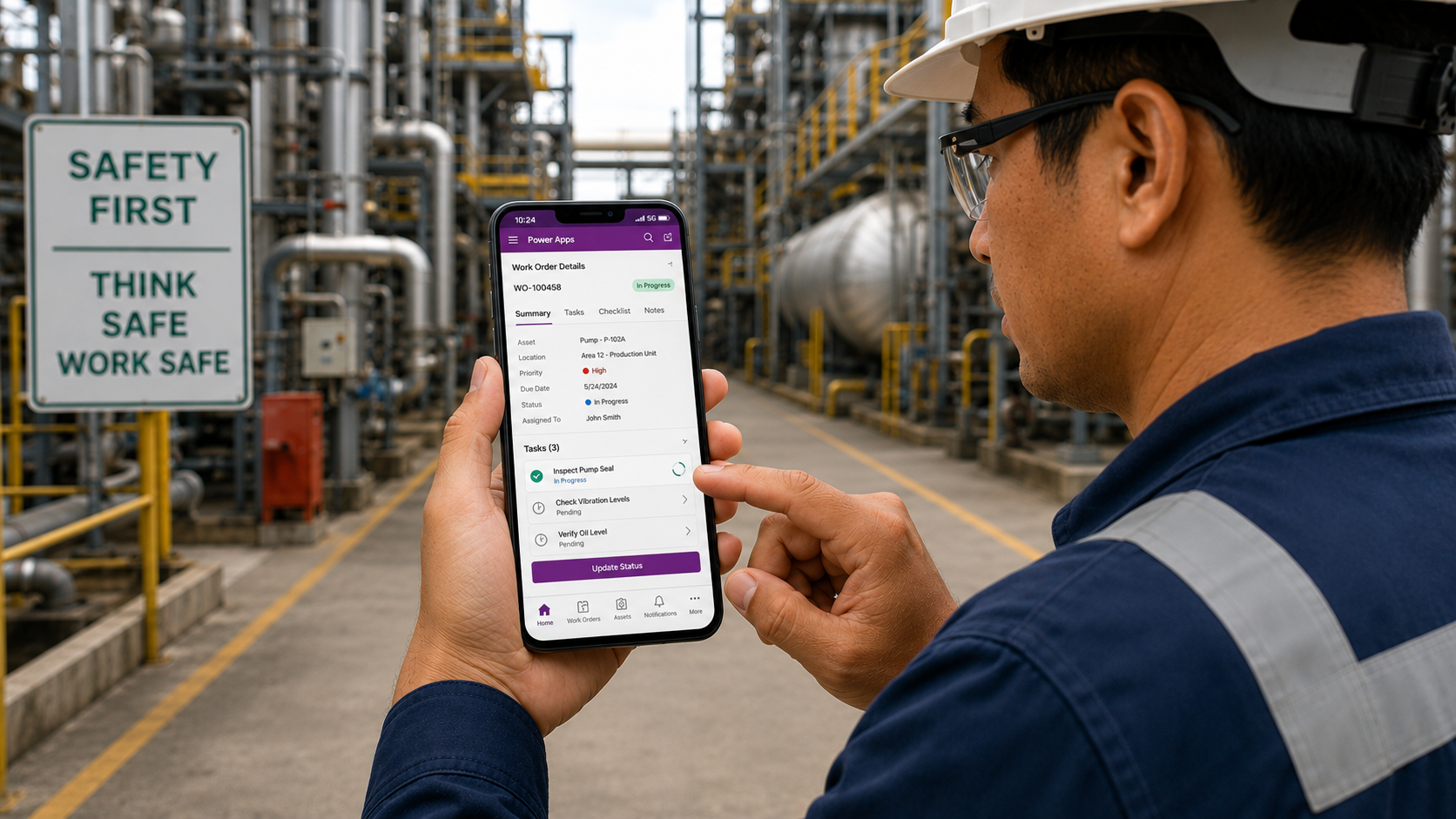
Man in safety glasses and hard hat holding a smartphone in an industrial plant, viewing a work order management app with tasks like inspecting a pump seal marked in progress and others pending.
现场作业应用

为外勤与现场团队提供移动端访问权限,实时同步工单明细、表单与检查表至您的 ERP 系统。
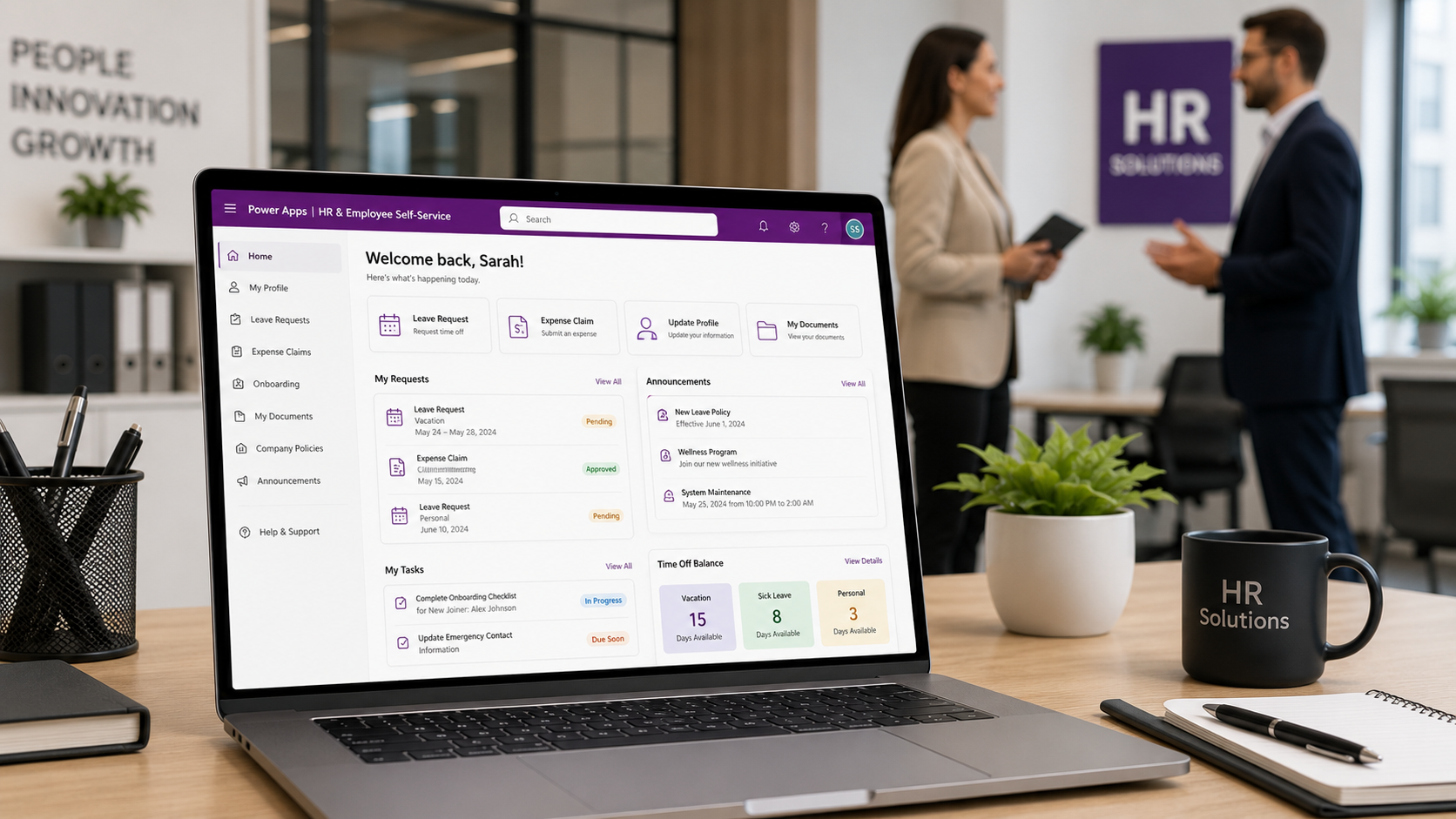
Laptop on desk showing HR & Employee Self-Service dashboard with options like Leave Request, Expense Claim, Update Profile, and My Documents, alongside pending and approved requests and time off balance; in the background, a man and woman are conversing in an office space with a purple HR Solutions sign and plants on the desk.
人力资源与员工自助服务

构建涵盖请假申请、费用报销、入职办理及员工信息更新的应用,大幅降低人力资源行政管理成本。
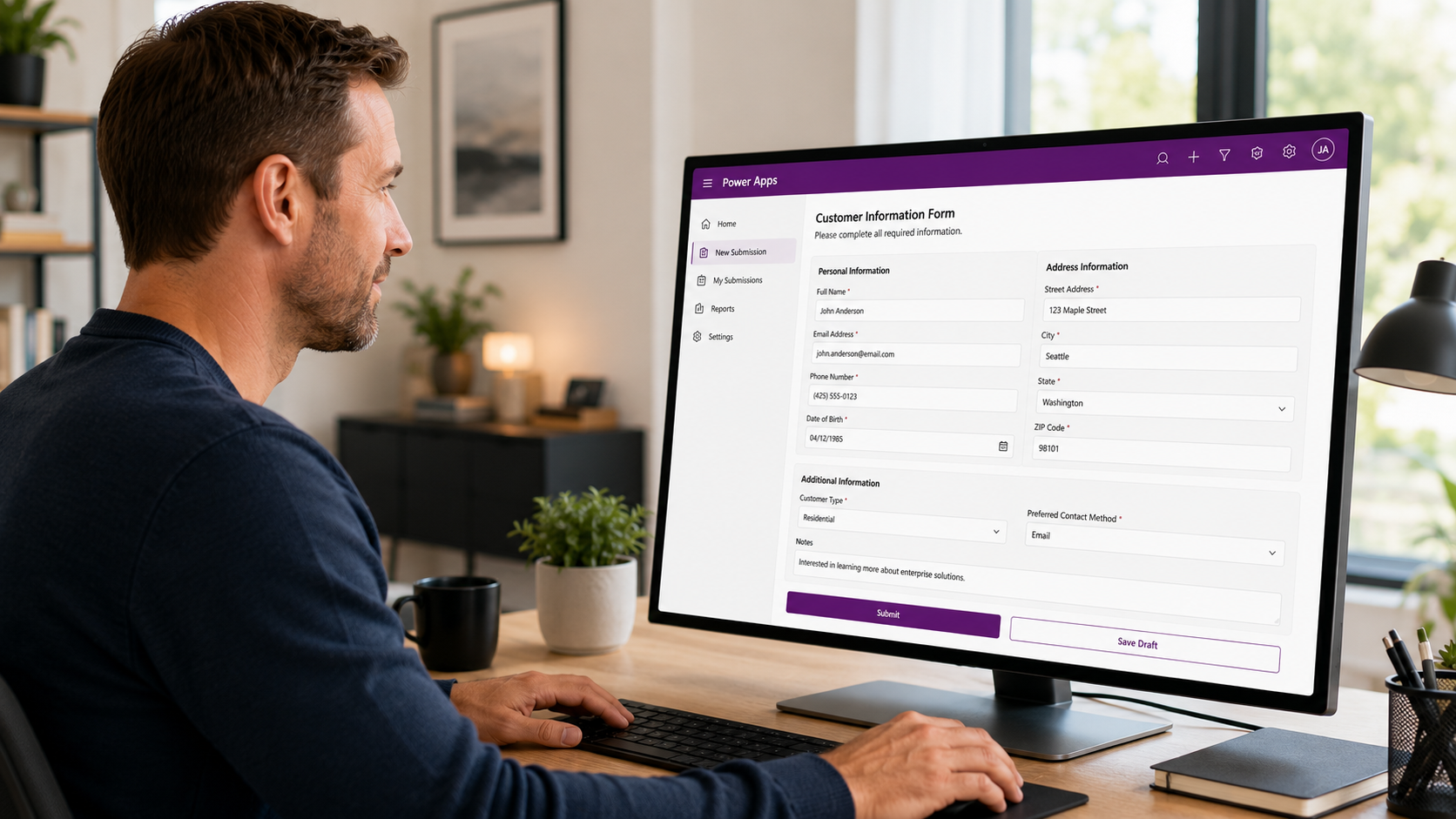
Man sitting at a desk working on a computer displaying a Customer Information Form in Power Apps with fields for personal and address information, additional info, and submission buttons.
数据采集与录入

以带数据校验的数字表单取代纸质单据和手工录入,数据可直接写入 ERP 或 SharePoint。
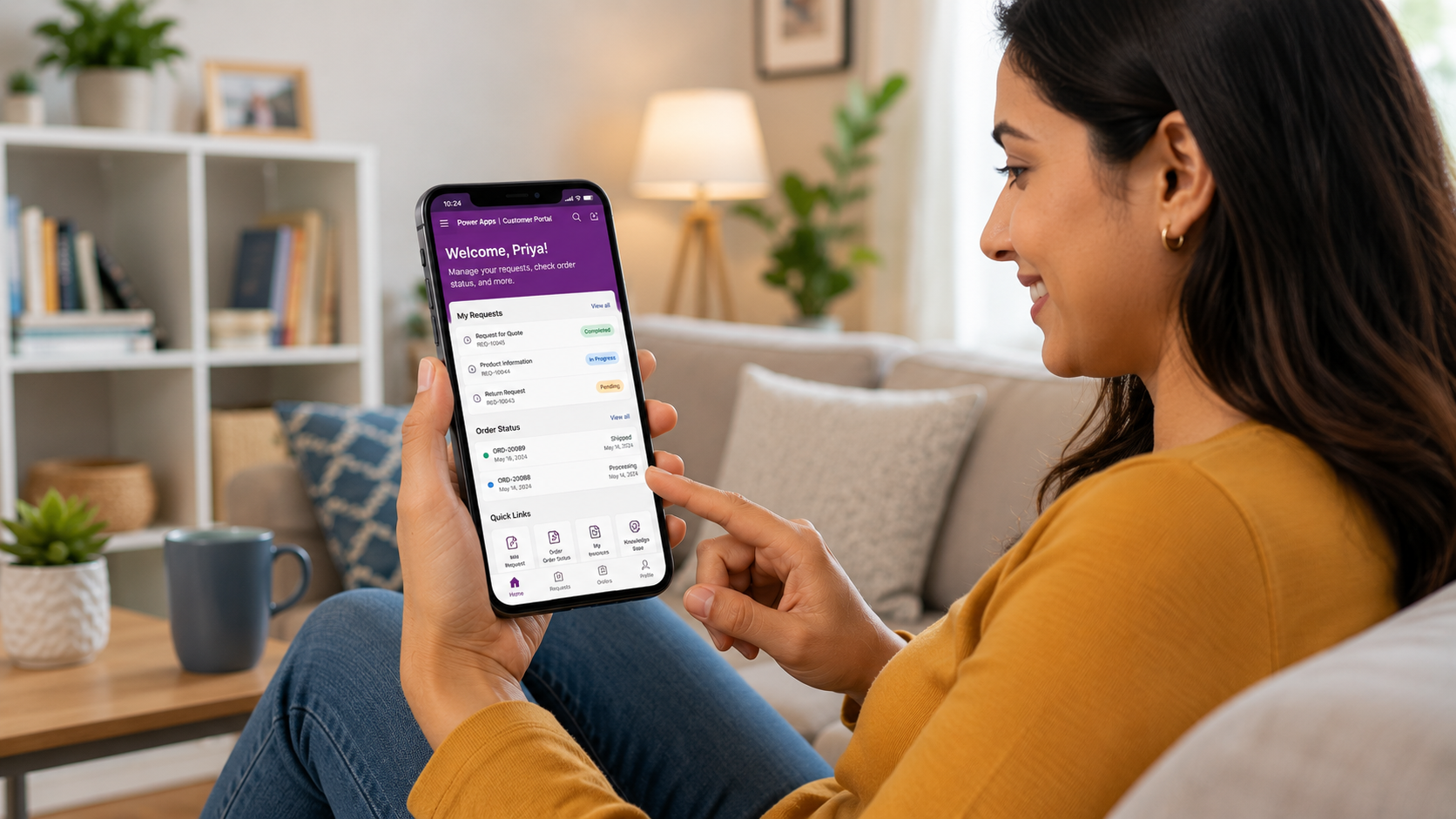
A woman in a mustard yellow sweater seated on a couch smiling while using a customer portal app on her smartphone, which displays sections for managing requests, order status, and quick links.
客户与供应商门户

构建与 ERP 深度无缝集成的自助服务门户,方便客户及供应商提交需求、查询状态或办理入驻。
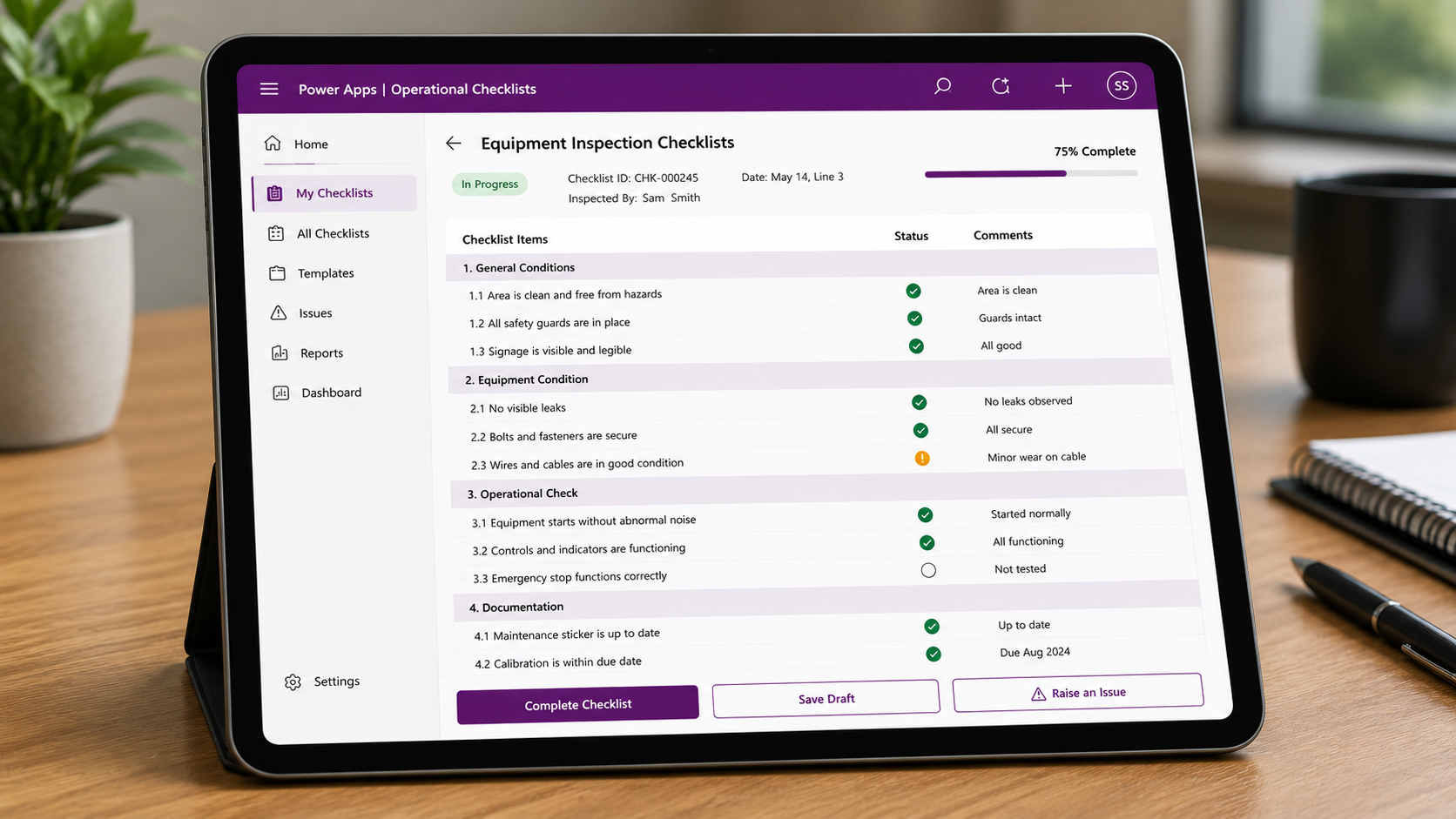
Tablet screen showing a Power Apps Operational Checklists interface with an Equipment Inspection Checklist of 10 items under General Conditions, Equipment Condition, Operational Check, and Documentation sections, each with status icons and comments. The checklist is 75% complete and marked In Progress, inspected by Sam Smith on May 14, Line 3. The side menu includes Home, My Checklists, All Checklists, Templates, Issues, Reports, Dashboard, and Settings. Buttons for Complete Checklist, Save Draft, and Raise an Issue are at the bottom.
运营检查表

实现质量、合规与安全检查表数字化,采集结构化数据并直接接入报表与数据分析系统。
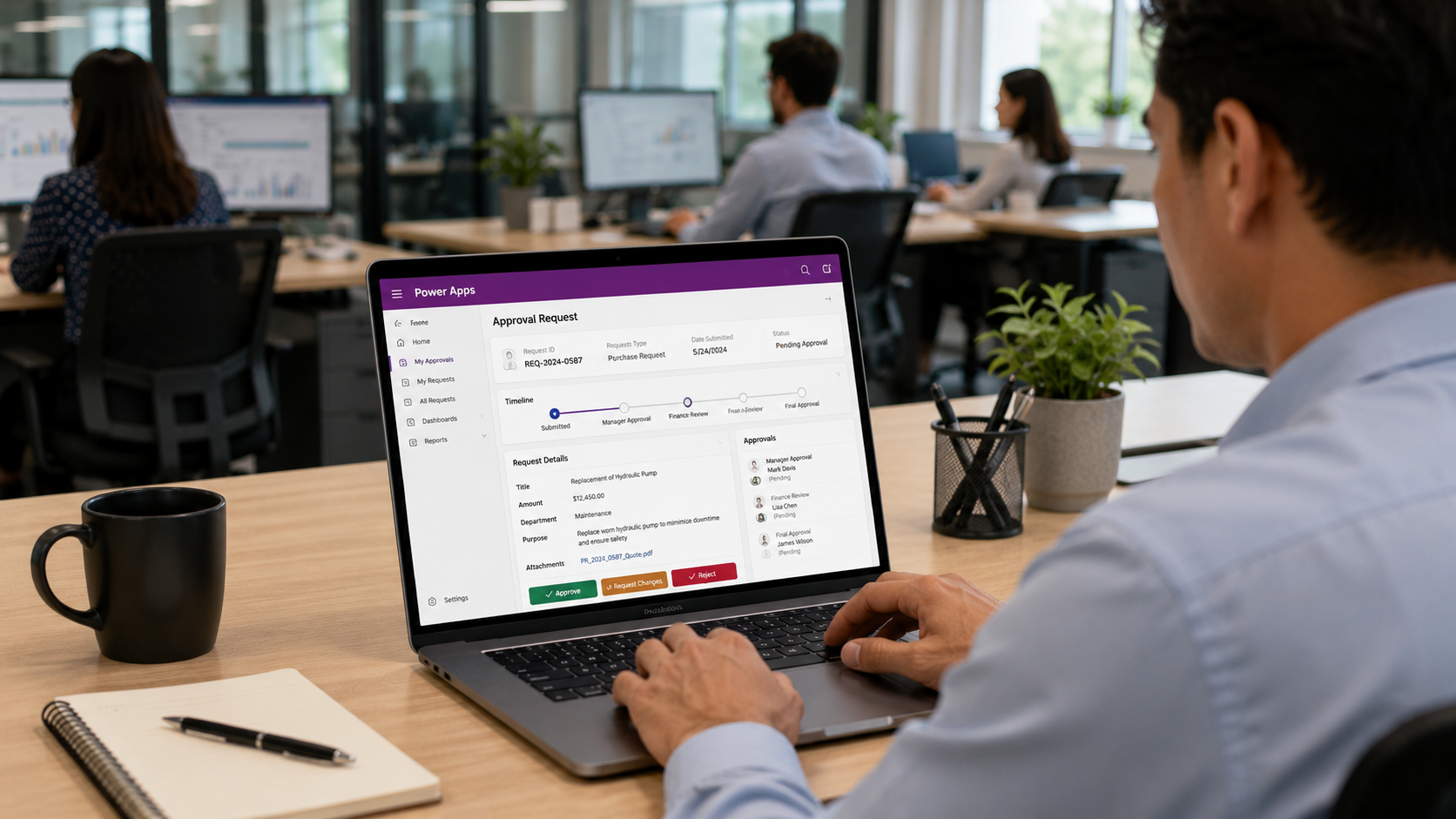
Man sitting at a desk in an office using a laptop showing a Power Apps approval request screen with details of a purchase request for replacing a hydraulic pump, including request ID, timeline status, and options to approve, request changes, or reject.
审批与工作流应用

以结构化应用替代冗长的邮件审批链,实现自动化请求路由、决策记录及关联系统数据更新。

Power Apps 的工作原理
低代码开发(Low-Code Development)

微软提供直观的低代码拖拽式界面,让业务人员与 IT 团队均能协同参与应用开发。

原生 Dynamics 365 集成

Power Apps 可原生连接至您的 Dynamics 365 ERP、CRM 及其他微软数据源,无需额外开发自定义连接器或 API 接口。

350+ 预置数据连接器

通过预置连接器轻松对接 SharePoint、Excel、SQL 数据库、Teams 及数百种第三方系统,将多源数据汇聚于统一的应用体验中。

移动优先的部署模式

应用可在 iOS、Android 及 Web 浏览器等多端无缝运行,并支持离线模式,确保外勤团队在无网络或弱网环境下依然高效工作。

Microsoft 365 深度集成

应用可直接无缝嵌入 Teams、SharePoint 或通过 Outlook 访问,完美融入员工日常使用的办公工具流中。

严密的治理与安全保障

Power Apps 运行于 Microsoft 365 统一的安全与合规框架之内,提供基于角色的权限控制(RBAC)、数据防泄漏(DLP)策略及完整的审计日志。
为什么选择 Tectura 瀚资
构建 Power Apps
Tectura 瀚资的 Power Platform 专家团队深度贴合您的真实业务流程设计并构建 Power Apps 解决方案,拒绝套用通用模板。我们精通 Dynamics 365、SharePoint 及其他系统之间的协同架构,确保交付的应用不仅能实现无缝集成,更能在您的企业系统演进升级过程中持续保持稳定高效。
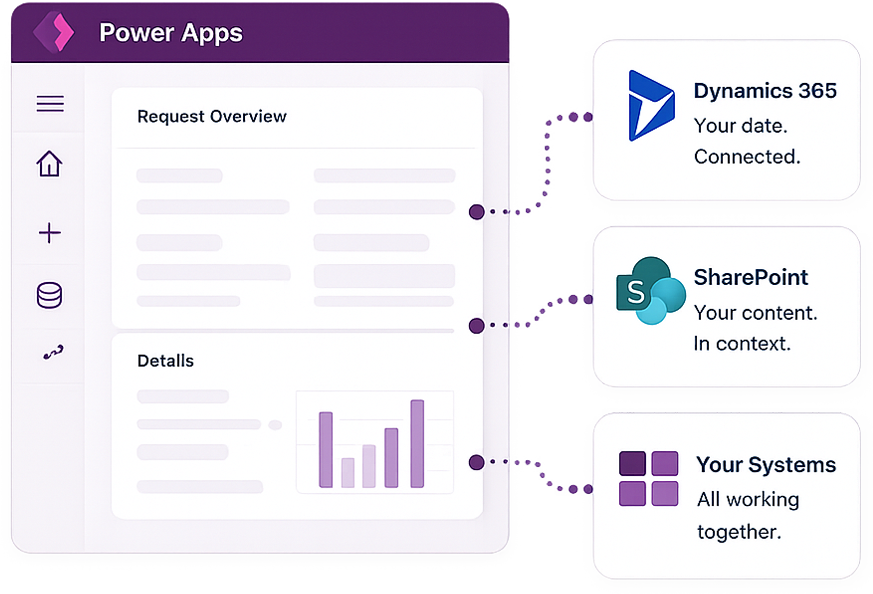
Interface of Power Apps showing Request Overview and Details with a bar chart, connected to three external systems: Dynamics 365 with the text 'Your date. Connected.', SharePoint with the text 'Your content. In context.', and Your Systems with the text 'All working together.'
常见问题解答
什么是微软 Power Apps?

微软 Power Apps 是一款低代码应用开发平台,助力企业打破传统软件开发模式,快速构建定制化业务应用。应用可通过预置连接器无缝对接 Dynamics 365、SharePoint、Excel、SQL 及数百种数据源,并能顺畅部署于移动设备、桌面浏览器,或直接嵌入 Microsoft Teams 与 SharePoint 中使用。

谁可以构建 Power Apps?我们需要专业开发人员吗?

Power Apps 旨在面向业务人员及 IT 团队共同使用。其可视化拖拽界面让无需编程经验的人员也能针对特定工作流构建实用应用。针对涉及复杂业务逻辑、系统集成或定制 UI 的高阶应用,Tectura 瀚资的 Power Platform 专家将全权负责方案设计与开发,并在交付时提供完善文档,方便您的团队后续自主维护。

Power Apps 如何与我们的 Dynamics 365 ERP 系统连接?

Power Apps 通过微软 Dataverse 平台与 Dynamics 365 实现原生连接,该平台为整个微软生态系统提供了统一的数据共享层。这意味着您在 Power Apps 中构建的应用可以实时读取与写入 Dynamics 365 数据,无需额外的 API 开发或数据同步维护成本。

Power Apps 可以替代我们现有的 ERP 或 CRM 系统吗?

Power Apps 的定位是拓展并补充您现有的系统,而非取而代之。其核心价值在于构建标准 ERP 无法直接覆盖的定制化应用:如外勤应用、审批工作流、运营检查表及自助服务门户等,与 Dynamics 365、SharePoint 及其他系统协同工作,高效补全业务短板。

构建并部署一款 Power App 需要多长时间?

具有标准功能的轻量级应用可在 1 至 2 周内完成设计、构建、测试与部署;涉及多数据源、复杂业务逻辑或精致 UI 设计的重度应用通常需要 2 至 6 周。Tectura 瀚资将在评估您的具体需求后,为您量身制定精准的实施周期计划。